
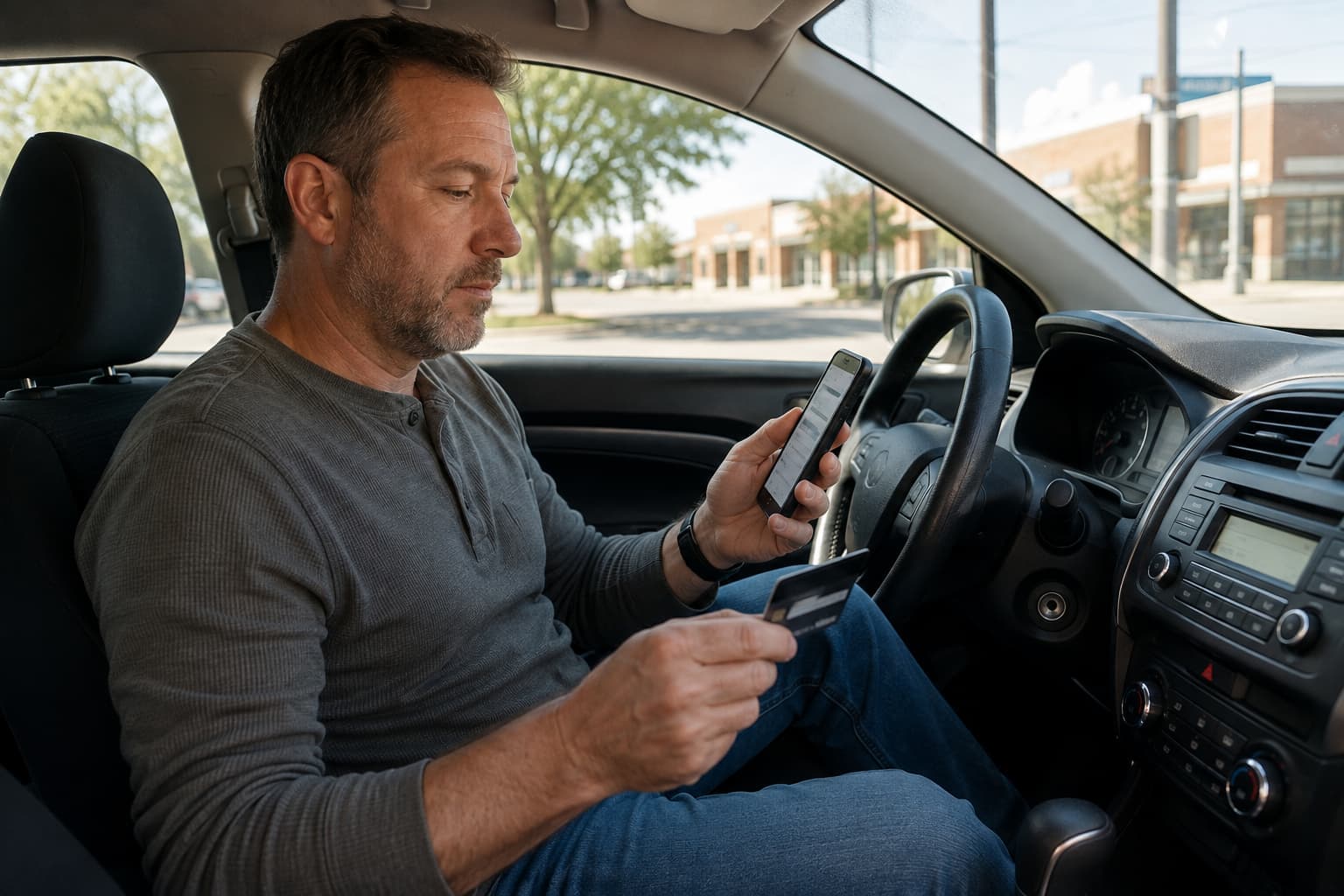
If your car insurance payment is due and your money is already in Chime, you may wonder whether you need to transfer it somewhere else first.
In many cases, you don’t.
A Chime Visa Debit Card has the same basic card information used for a normal debit card transaction, including a 16-digit card number, expiration date, and security code. If an insurance company accepts Visa debit cards, a Chime card may be used the same way.
What makes Chime a little different is everything around the card itself. Virtual cards, replacement card numbers, card freezes, and in-app decline messages can all affect how a payment works.
Here are the Chime-specific details worth knowing before your insurance bill is due.
Your 16-Digit Chime Card Number Is the Important Part
For a debit-card payment, the insurance company typically needs the same information it would request from another Visa debit card:
- 16-digit card number
- expiration date
- CVV security code
- billing information
You generally don’t need to move money from Chime to another bank just because you’re paying an insurance bill.
The important question is whether the insurance company accepts debit-card payments through the payment method you’re using.
If it does, your Chime card can be entered as a normal debit card.
You May Be Able to Use Your Chime Virtual Card
You don’t always need to wait for the physical card.
Chime provides a virtual debit card inside the app with its own card number, expiration date, and CVV. Chime says its virtual card can be used for online purchases and recurring payments.
That can be useful if your physical card hasn’t arrived yet, isn’t nearby, or has recently been replaced.
Just make sure you’re using the information for the card you actually want charged.
Your physical and virtual card details may not always be identical, so avoid copying information from an old screenshot or saved card if you’re unsure whether it’s still current.
A Replacement Chime Card Can Change the Numbers
Getting a new Chime card doesn’t necessarily mean all of your payment information stays the same.
If a card is replaced because it was lost, stolen, compromised, or never arrived, Chime may issue a new:
- card number
- CVV
- expiration date
That matters if your old Chime card was saved for an insurance payment.
The money can still be sitting in the same Chime account while the card information used to access it has changed.
Chime also distinguishes between certain replacements and card reissues. Depending on why a new card was issued, some details may stay the same while others change.
So whenever Chime sends you a new card, check the numbers before your next insurance payment.
It only takes a minute and can prevent an old saved card from causing a declined transaction.
Freezing Your Chime Card Can Affect Payments Differently
Chime allows you to freeze your debit card from the app.
That feature is useful when you can’t find your card or want to stop new transactions temporarily.
But there’s an important distinction when bills are involved.
A frozen Chime card generally blocks new card transactions. Previously authorized recurring or pending transactions may still be able to process.
That means freezing your card shouldn’t be treated as the same thing as canceling an automatic insurance payment.
If you’re trying to make a new payment manually, check that your card is active first.
If you’re trying to stop an existing recurring payment, contact the company handling the bill rather than relying only on the Chime freeze feature.
If Your Insurance Payment Is Declined, Check Chime First
One useful thing about Chime is that a declined transaction may come with more information inside the app.
Instead of simply seeing that the payment failed, you may be able to open the transaction and see why.
Possible reasons can include:
- not enough available money
- the card is frozen or inactive
- the card was replaced
- an incorrect CVV
- an incorrect expiration date
- billing information that doesn’t match
- a spending restriction
- an issue processing the transaction
That can save some guessing.
For example, if Chime shows that the expiration date was incorrect, you already know what to fix before trying the payment again.
If everything looks correct in Chime but the transaction still fails, contact the insurance company to find out whether there was an issue on its side of the payment.
Check the Available Balance, Not Just the Account
Another thing worth checking is your available balance.
Suppose you have $175 in Chime and your insurance payment is $165.
That looks fine.
But if another purchase or recurring payment is still pending, the amount actually available when the insurance charge arrives could be lower.
This becomes especially important with scheduled or automatic payments because the transaction may process hours or days after you initially check your account.
If you know an insurance payment is coming up, make sure there is enough available to cover it when the charge actually processes.
After You Pay, Make Sure the Payment Posted
Seeing a successful debit-card transaction is a good sign, but it’s still worth checking the insurance side too.
For an existing policy, make sure the payment appears on the account and check the next due date.
For a new policy, confirm the effective date and make sure you’ve received proof of insurance.
This matters even more if the payment was made close to a deadline or after an earlier transaction was declined.
Think of it as checking both sides of the same payment:
Chime tells you what happened to the card transaction.
Your insurance account tells you what happened to the insurance payment.
Once both match, you know where things stand.
Chime Works Much Like Any Other Debit Card
Using Chime for an insurance payment doesn’t need to be complicated.
If the company accepts Visa debit cards and your Chime card has the standard payment information it needs, you can generally enter it like another debit card.
The main things that are different with Chime are worth remembering:
- You may have a virtual card available.
- A replacement card may have different payment information.
- Freezing a card can affect new and recurring transactions differently.
- Declined transactions may show the reason directly in the Chime app.
Those details are more useful than treating Chime as a completely different type of payment method.
FAQ
Can I pay car insurance with a Chime debit card?
Yes, if the insurance company accepts Visa debit-card payments and your Chime card has the standard card information needed to process the transaction.
Can I use a Chime virtual card to pay car insurance?
Possibly. Chime virtual cards include a card number, expiration date, and CVV and can be used for online and recurring transactions when the biller accepts that type of card payment.
Do I need my physical Chime card to make an insurance payment?
Not necessarily. For an online or card-not-present payment, the important information is generally the valid 16-digit card number, expiration date, CVV, and billing information.
Why was my Chime insurance payment declined?
Possible reasons include insufficient available funds, a frozen or inactive card, outdated card information, an incorrect CVV or expiration date, or another processing issue. Check the declined transaction in Chime for more information.
Does replacing my Chime card affect automatic payments?
It can. A replacement card may have a new card number, expiration date, or CVV, so check any saved insurance payment information after receiving a new card.
Will freezing my Chime card stop an automatic insurance payment?
Not always. Freezing the card generally blocks new transactions, but previously authorized recurring or pending transactions may still process.
Need to Make a Payment With Chime?
If you’re paying Cheapest Auto Insurance, Chime debit cards are accepted as long as the card has the standard 16-digit card number needed to process it like a normal debit card.
Have your current card information ready when making the payment, and check that the transaction posts successfully afterward.