
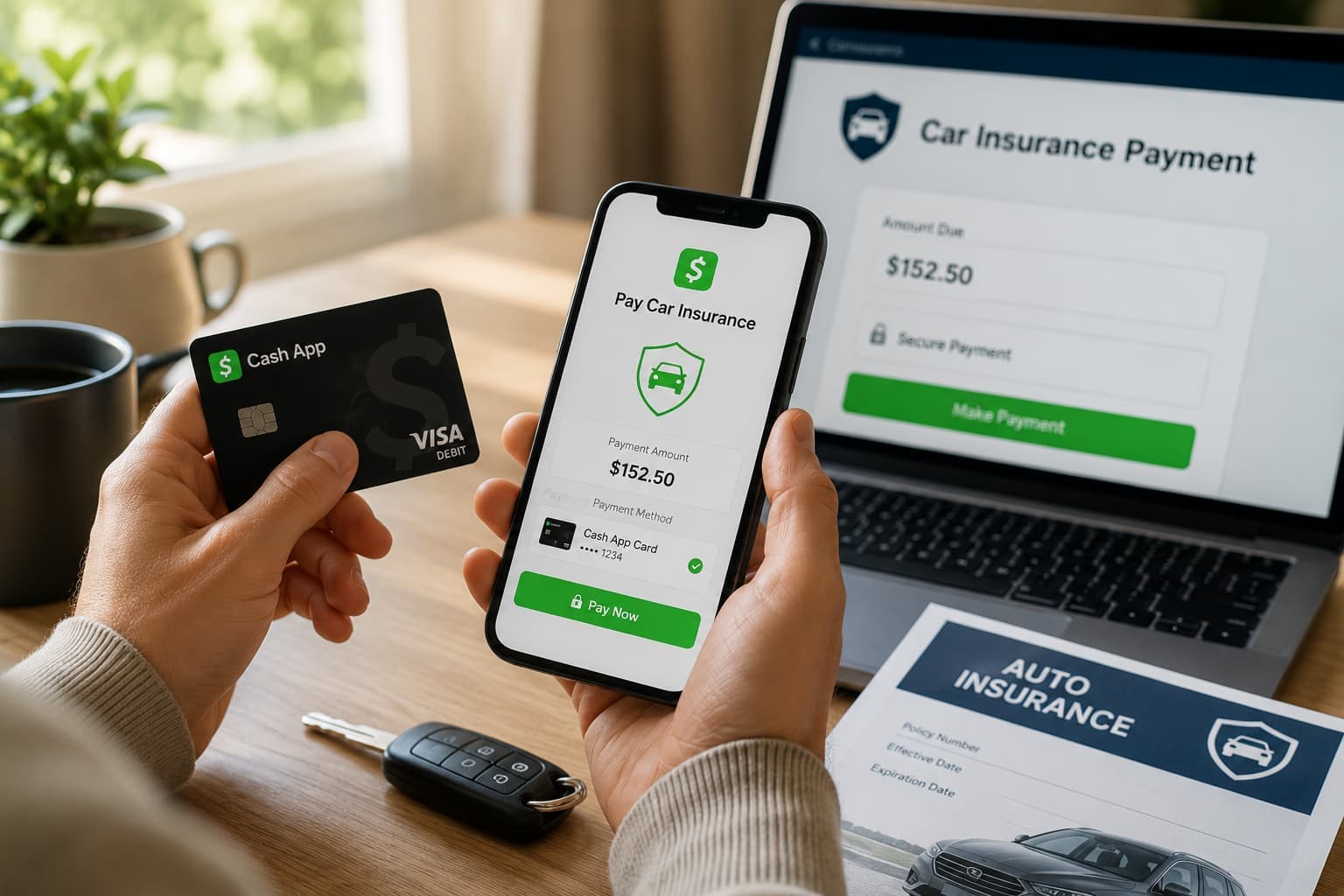
Paying your bills online is something most people take for granted. Open an app, enter your debit card information, and your payment is complete.
But not everyone manages their money through a traditional checking account.
Some people prefer paying with cash whenever they can. Others keep their spending money in Cash App and use their Cash App Card instead of a traditional bank debit card for everyday purchases.
That shouldn’t make paying for car insurance more difficult.
At CheapestAutoInsurance.com, you can use your Cash App Card to make eligible insurance payments online. That means you don’t have to open a traditional checking account just to pay your premium. If your Cash App Card is how you already manage your everyday spending, you can use the same payment method for your insurance.
Here’s how it works and what you should know before making your payment.
Why Traditional Bank Accounts Aren’t the Right Fit for Everyone
There isn’t one “right” way to manage your money.
While many people have a checking account, others prefer different financial tools that better fit their lifestyle. Some primarily use cash for everyday purchases, while others receive their paycheck through direct deposit into Cash App and use their Cash App Card throughout the month.
For many people, it’s simply more convenient.
Instead of transferring money between multiple accounts or visiting a bank, they can manage their spending, make purchases, and pay bills from the same place.
If that’s already how you handle your finances, your insurance payment shouldn’t require you to do something completely different.
Insurance should fit the way you manage your money—not the other way around.
Why Paying Insurance Can Be More Difficult Without a Bank Account
Many online payments are designed with the assumption that everyone has a traditional checking account or debit card.
If you don’t, paying your insurance premium can sometimes feel less convenient than it needs to be.
Some drivers end up:
- Purchasing a money order every month.
- Driving to an office just to make a payment.
- Finding someone else to make an online payment for them.
- Making extra trips simply because they don’t use a traditional bank.
Those options work, but they also take more time and effort than making an online payment yourself.
If you’re already using Cash App to manage your money, there’s a simpler option.
How a Cash App Card Makes Online Payments Easier
A Cash App Card works like a debit card, allowing you to make eligible online purchases and bill payments.
That means you can use the same card you already carry for everyday spending when it’s time to pay your insurance premium.
Instead of buying a money order or making a special trip to an office, you can complete your payment online in just a few minutes.
For customers who already use Cash App regularly, that means:
- Paying your insurance from home.
- Using the same payment method you already know.
- Managing your spending from one place.
- Making payments without relying on a traditional checking account.
The goal isn’t to convince you to change how you manage your money.
It’s to make paying for your insurance fit the way you already do.
Your Cash App Card Works Like a Debit Card
One of the biggest misconceptions is that paying with Cash App means sending money through the Cash App app.
That’s not how insurance payments work.
When paying your premium, you’re using your Cash App Card, not making a person-to-person Cash App transfer.
Think of your Cash App Card the same way you would any other debit card.
During checkout, you’ll enter:
- Your Cash App Card number.
- Expiration date.
- Security code (CVV).
- Billing information, if requested.
The payment is processed securely through the insurance company’s approved payment system.
There’s no need to send money to someone’s personal $Cashtag or complete a separate Cash App transfer.
Understanding that difference can help you avoid payment mistakes and make sure your premium is applied correctly.
How to Pay Your Insurance Using a Cash App Card
Making your payment is simple and follows the same process as using many other debit cards.
Step 1: Check Your Available Balance
Before making your payment, make sure you have enough available funds on your Cash App Card to cover the full premium.
Step 2: Make Sure Your Card Is Ready
Confirm that your Cash App Card is activated and unlocked before starting your payment.
Step 3: Select the Card Payment Option
When paying your quote or existing policy, choose the option to pay by debit or credit card through the approved payment page.
Step 4: Enter Your Cash App Card Information
Enter your card information exactly as it appears:
- Card number
- Expiration date
- Security code
- Billing information, if requested
Review the information before submitting your payment.
Step 5: Save Your Confirmation
Once your payment has been processed, save the confirmation page or confirmation email for your records.
Having a copy of your payment confirmation can be helpful if you ever need to reference the transaction later.
Before You Submit Your Payment
Taking a minute to review your payment before clicking “Submit” can help prevent delays and make the process smoother.
Before paying your premium, make sure:
- Your Cash App Card is activated.
- Your available balance covers the full payment amount.
- Your card is unlocked if you’ve previously locked it.
- Your card information has been entered correctly.
- You’re making your payment through the official insurance payment page.
These quick checks only take a few moments and can help avoid common payment issues.
Keep Your Payment Confirmation Handy
Once you’ve completed your payment, take a moment to save your confirmation for your records.
Whether it’s a confirmation email, receipt, or screenshot of the completed transaction, keeping a copy can make it easier to reference your payment later if you ever need it.
It’s also a good idea to make sure you have easy access to your insurance information after your payment is complete, including:
- Your payment confirmation or receipt.
- Your digital insurance ID cards.
- Your policy number.
- Your policy documents, if available.
Having these items readily available can make it easier to access your policy information whenever you need it.
What to Do if Your Payment Is Declined
Payment issues are usually easy to resolve.
If your Cash App Card doesn’t go through, here are a few things to check before trying again.
Confirm Your Available Balance
Make sure your Cash App balance is enough to cover the full payment amount.
Check That Your Card Is Unlocked
If you’ve locked your Cash App Card for security, unlock it before submitting another payment.
Verify Your Card Information
Double-check the card number, expiration date, and security code for accuracy.
Make Sure You’re Using Your Current Card
If you’ve recently replaced your Cash App Card, be sure you’re using the updated card information.
If you’ve confirmed all of these items and your payment still isn’t processing, contact your insurance provider before your payment due date to discuss other available payment options.
Why More Payment Options Matter
Everyone manages money differently.
Some people prefer a traditional checking account. Others rely on digital payment tools they already use every day.
The important thing is having payment options that fit your lifestyle.
If you already use your Cash App Card for groceries, gas, shopping, and monthly bills, it makes sense to use that same payment method when paying for your car insurance.
At CheapestAutoInsurance.com, we believe paying your insurance should be simple, convenient, and fit the way you already manage your finances.
Frequently Asked Questions
Can I pay for car insurance without a traditional bank account?
Yes. You can pay your car insurance with a Cash App Card instead of using a traditional checking account or bank-issued debit card. If you already keep your spending money in Cash App, you can use your Cash App Card to make eligible insurance payments online.
Do I need a Cash App Card, or can I just send money through Cash App?
You’ll need a Cash App Card. Insurance payments are processed like debit card transactions through the insurance company’s payment system. Sending a person-to-person Cash App transfer is not the same as paying your insurance premium.
What should I do if my Cash App Card payment is declined?
Start by checking that your Cash App Card is activated, unlocked, and has enough available funds. Then verify that you’ve entered the correct card information. If the payment still doesn’t process, contact your insurance provider before your due date to discuss other payment options.
Can I use a Cash App Card for monthly insurance payments?
Yes, if your insurance company’s billing system accepts recurring debit card payments. If recurring payments aren’t available, you can simply use your Cash App Card each time your premium is due.